Lightweight RMM for DevOps & IT Teams Managing Modern Infrastructure
Securely monitor and access infrastructure — without open ports, shared SSH keys, or VPN overhead.
✔ No VPN or open ports required
✔ Secure browser-based SSH & remote access
✔ Real-time monitoring & instant alerts
✔ AWS KMS-backed credential security
No credit card • Start with one device • Cancel anytime
Takes under 2 minutes to install
Get visibility and secure access in minutes — built for teams managing production systems behind firewalls and zero-trust environments.
Why Traditional Server Access & Monitoring Don’t Scale
Common Infrastructure Pain Points
Managing VPN access for every engineer as teams grow
Rotating and auditing shared SSH keys manually
Exposing ports or relying on bastion hosts
No centralized visibility into who accessed what — and when
Monitoring and remote access split across disconnected tools
Enterprise RMM tools built for MSPs — not product teams
Most teams stitch together VPNs, SSH keys, monitoring tools, and jump hosts to manage infrastructure. It works — until access becomes hard to manage, audits become unclear, and security risk increases.
Infrastructure management doesn’t have to be this complex — there’s a simpler, more secure approach.
Access Your Endpoints From Anywhere
Remote desktop and SSH — directly from your browser
Web Terminal / Shell
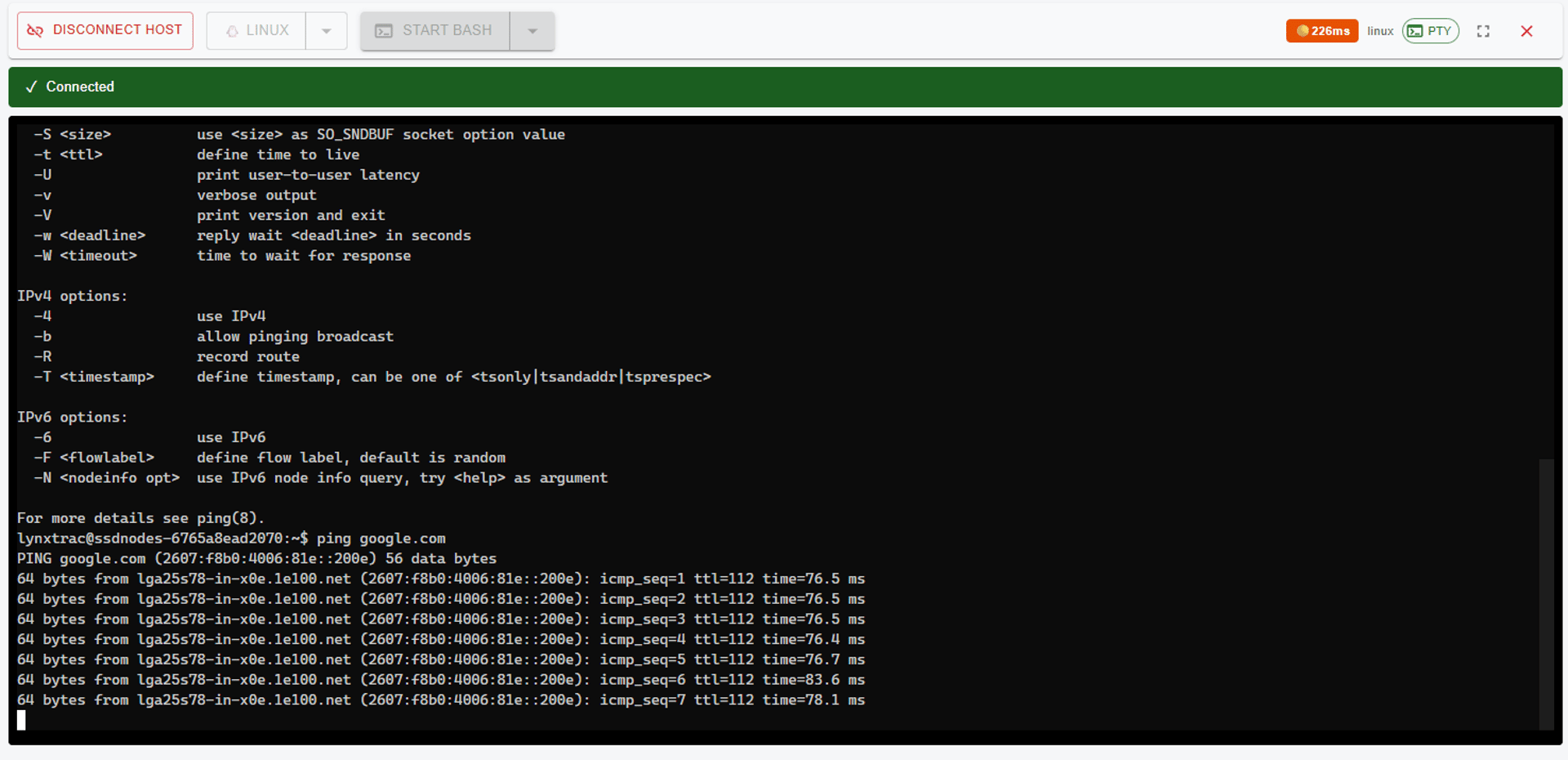
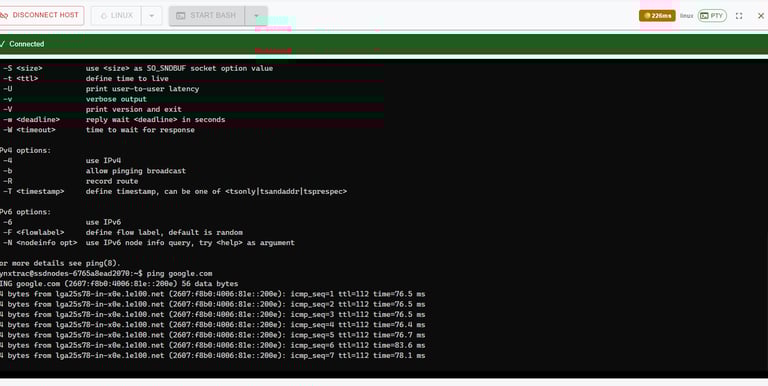
Web-Based Terminal & SSH
Connect to servers directly from your browser
No local SSH keys or configs needed
Access endpoints inside private networks
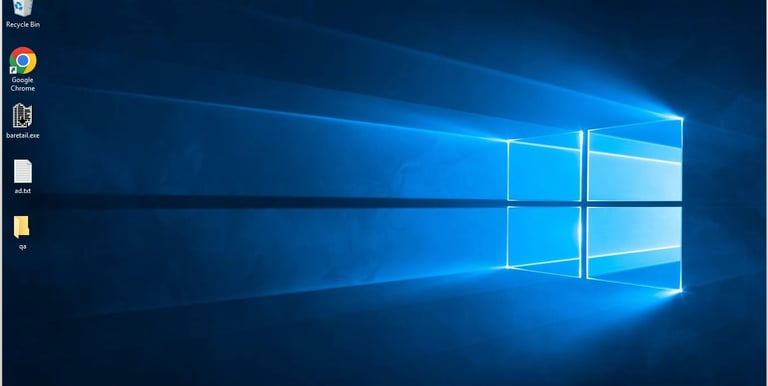
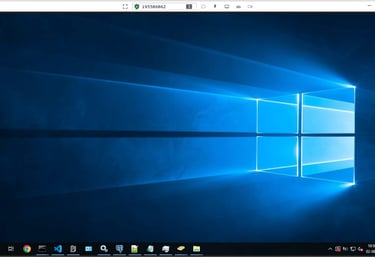
Remote Desktop
Remote Desktop — No VPN Needed
Access your device from any browser
Secure, encrypted remote sessions
Works behind NAT, firewall, and private networks
No VPN • No port forwarding • Cancel anytime
Takes under 2 minutes to get started
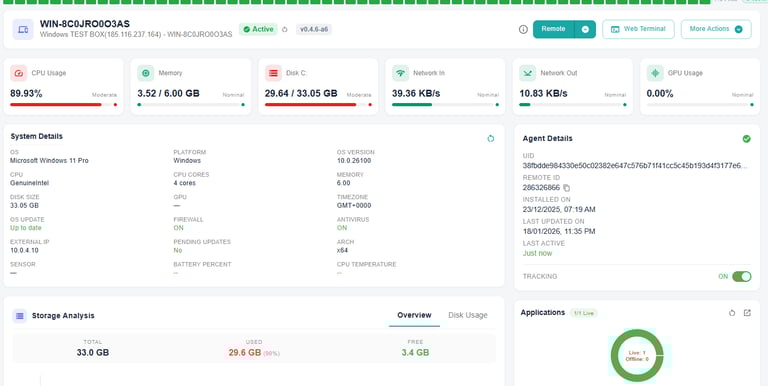
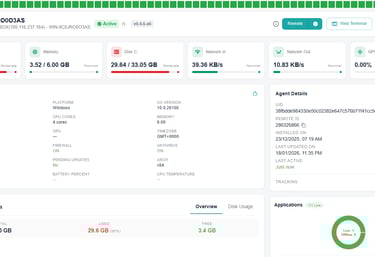
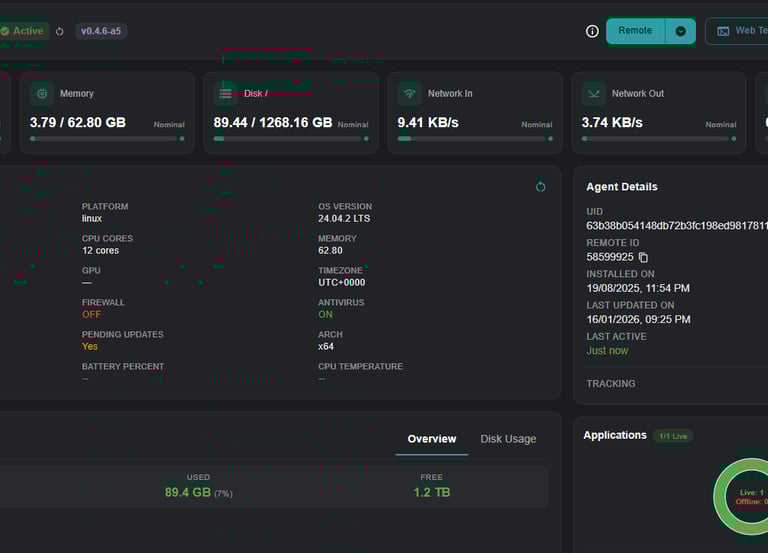
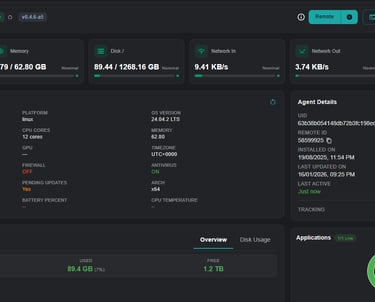
See LynxTrac in Action
Live monitoring, browser-based access, no VPN.
Instant Alerts When Something Breaks
Get notified when servers go down
Threshold alerts for CPU, disk, memory
Avoid surprises
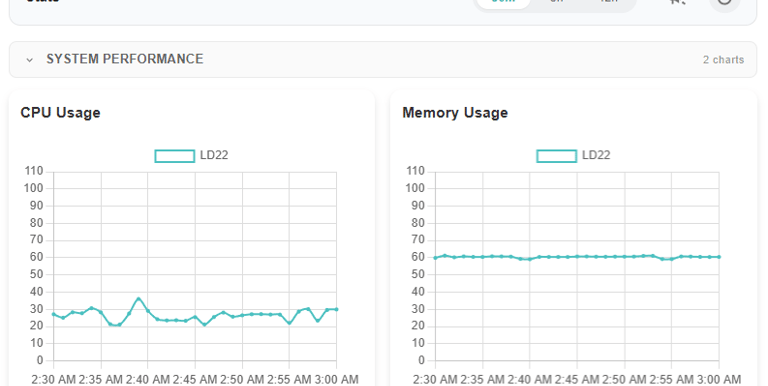
Real-Time Server Insights
CPU, memory, disk, uptime
See when things slow down or fail
Starts automatically after agent install
Monitoring Comes Built-In
And that’s just the beginning…
No extra setup • No separate configuration
How It Works
Three simple steps to access your first machine in minutes
2️⃣ Install the agent
Install a lightweight agent on one machine (Windows, Linux, or macOS)
3️⃣ Connect instantly
Access desktop, terminal, SSH, and monitoring — all from your browser
1️⃣ Sign up for free
Create an account — no credit card required
Frequently asked questions
Is this secure?
Yes. All connections are encrypted, and no inbound ports are required on your machines.
Can I uninstall the agent?
Yes. The agent can be fully removed at any time, with no residual access.
Do I need a VPN?
No. LynxTrac works without VPNs, port forwarding, or firewall changes.
Is this for teams?
Yes. You can start with one machine and add more machines or users later.
Contact Us
© 2025 LynxTrac. All rights reserved.
We respect your privacy. No spam — ever.
Stay Updated
+1 (650) 780-3392